PPC advertising and Google are nearly synonymous in the minds of many managers worldwide.
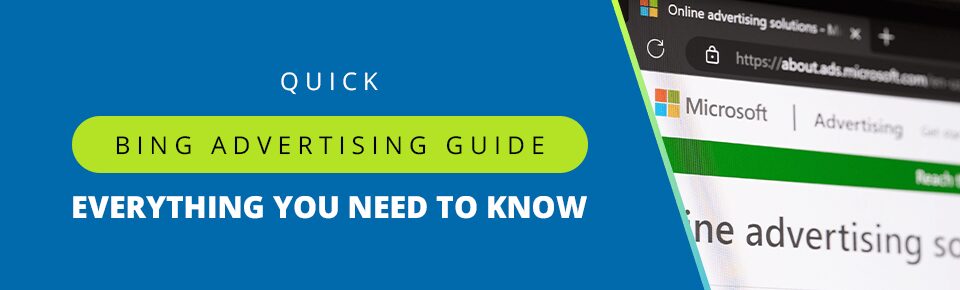
If that sounds familiar, it might be time to rethink your approach to PPC and take advantage of Microsoft’s powerful targeting capabilities. Find out what makes Bing worth the investment with this Microsoft advertising guide, and get a leg up on the competition with our exclusive Bing PPC tips.
Table of Contents
Is Microsoft Advertising Worth It?
Bing has been overshadowed by Google in the PPC and SEO discussion, but it’s still the second-largest search engine in the world. You don’t need a list of Microsoft PPC tips to tell you that any space with that kind of traffic is worth looking at. If you’re curious to see how Microsoft Advertising–formerly known as Bing Ads–could grow your business, contact us today for a free consultation.
Let’s examine what makes Bing special, and how your business could benefit from it.
Unique Demographics
Advertising guides for Bing, Google Ads, or any other platform will always stress one simple mantra: Pay-per-click advertising is all about figuring out the most efficient way to reach the right people.
Bing’s audience is the perfect target for many ecommerce businesses. It skews slightly older, with a higher concentration of users over 35. This specific demographic tends to represent individuals with more stable and higher disposable income, such as homeowners. Google’s reach is broader, but if you’re targeting a more mature audience that’s ready to spend, Bing could give you a direct line to them.
Bing is also surprisingly popular with international audiences. If you’re looking to expand your presence and target a global audience, Bing is absolutely worth considering.
Beyond Bing
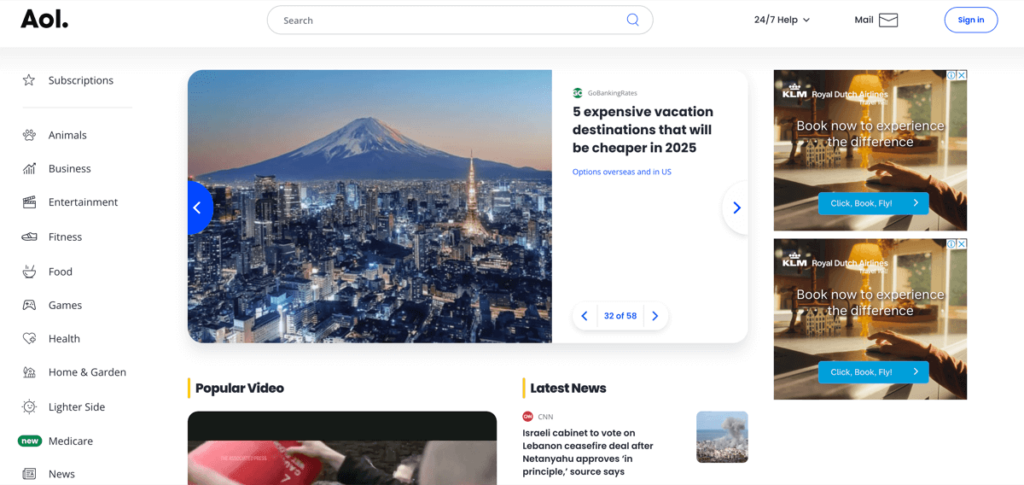
Guides covering Microsoft advertising sometimes miss out on the fact that advertising on the platform can connect your business to audiences beyond Bing. If you’re using an advertising guide for Bing, or working with a PPC expert, you’ll be able to reach audiences across the Microsoft Audience Network. This includes:
- Bing
- MSN
- Yahoo
- AOL (along with non-exclusive partner sites like WSJ and Amazon)
This is similar to how Google Display Network includes platforms like YouTube, Gmail, and partner sites. While you can advertise on partner sites using either ad platform, getting exclusive access to smaller, more niche sites like Yahoo and AOL is priceless for brands targeting older, less tech-savvy audiences.
Powerful Targeting
LinkedIn is well-known for its powerful targeting options, which are powered by a massive amount of demographic data. Users are actively incentivized to interact with the platform and to provide up-to-date information on their interests, skills, and other key targeting categories.
What you might not know from reading the usual Bing advertising guide is that Microsoft acquired LinkedIn in 2016, giving it very similar targeting capabilities. With the right set of Bing PPC tips, you can target over 126 million unique US searchers based on their:
- Job function/title
- Industry
- Company
- Age
- Gender
Here’s another Microsoft PPC tip: You can adjust and customize your bids around different professional profiles. This gives you complete control over who sees your ads and who doesn’t. Microsoft’s ad platform lets advertisers adjust bids between +900% and -90%.
Microsoft Advertising Guide: How Does Bing PPC Work?
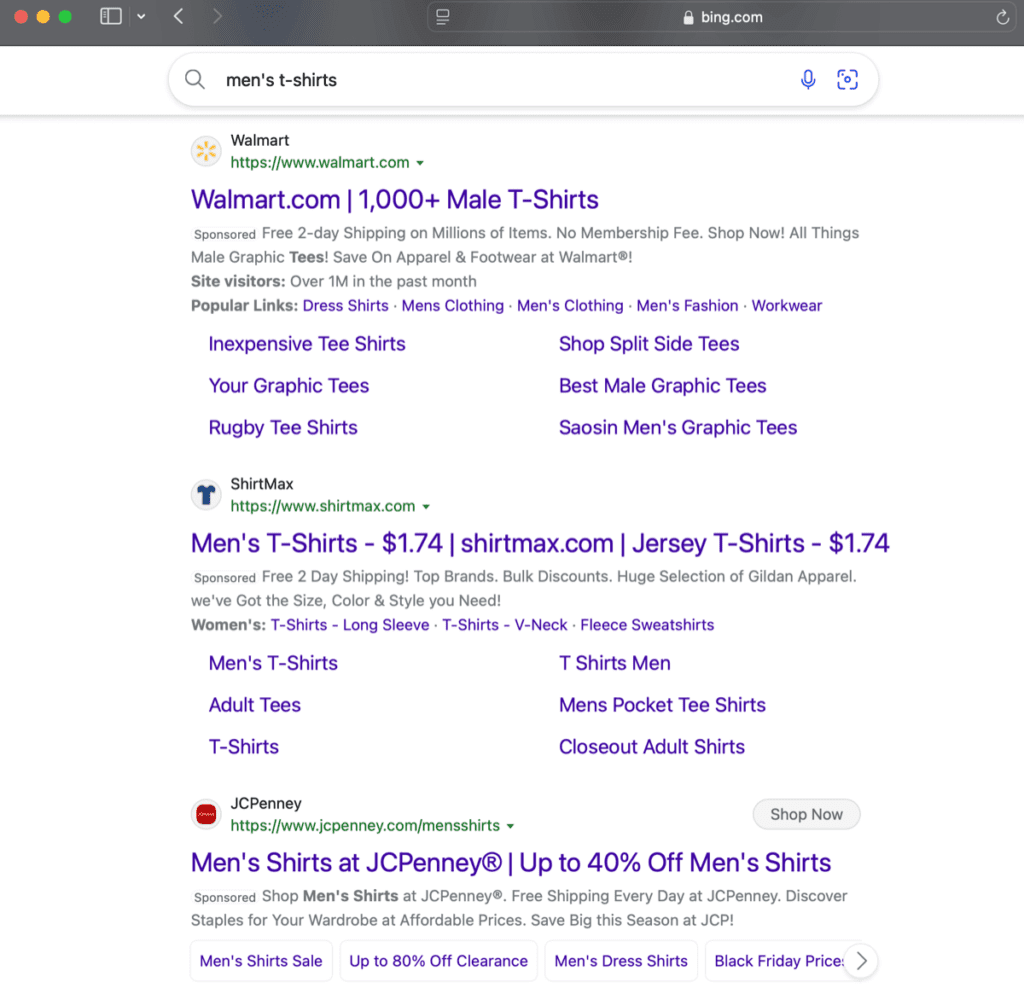
Google and Microsoft Advertising are pretty similar in how they work. Keyword targeting is at the heart of Microsoft Advertising, as any Bing advertising guide will tell you. You can choose a set of relevant keywords that customers might use when searching for your products or services. The platform allows advertisers to choose between broad, phrase, and exact matches.
You’re not just limited to text ads, either. Microsoft Advertising supports:
- App install ads
- Dynamic search ads that are modified to suit every search query
- Multimedia ads
- Product ads
- Responsive search ads that combine sets of advertiser-provided headlines and descriptions
- Smart search ads
- Audience ads
Once you’ve created the copy for your ad, you can bid for your selected keywords. Remember, you’re only going to pay the bid amount when a searcher actually clicks on the ad instead of every time your ad is displayed. We recommend consulting a detailed Bing advertising guide or working with a digital marketing expert to ensure you’re using the right bidding strategy for your business.
Is Microsoft Advertising Expensive?
No. In fact, Microsoft Advertising’s average cost-per-click (CPC) is 33% lower than Google Ads, coming in at $1.54 across all industries.
A lower CPC is crucial for long-term success with PPC advertising. With the right Microsoft Advertising guide or marketing agency, you can:
- Stretch your ad dollars, generating more clicks and potential conversions for the same investment. Smaller businesses should be doing everything they can to maximize their ad budgets.
- Experiment confidently with new keywords. Since there’s a lower cost barrier, you’re free to break away from expensive, highly competitive keywords and identify more lucrative opportunities with different sets of long-tail keywords.
- Boost your ROI. While no Bing advertising guide can guarantee conversions, a low CPC can be the foundation of a successful, cost-effective conversion strategy.
What Are The Disadvantages of Microsoft Advertising?
Bing PPC tips aside, there are certain limitations you should be aware of as an advertiser.
- Third-Party Integrations: Microsoft is still catching up to Google Ads in terms of third-party tool integration. If you’ve been relying on this, you should confirm whether Microsoft Advertising supports your third-party tools yet.
- Smaller Audience: Despite Bing’s notable recent improvements, Google still controls just over 89% of the search engine market. Businesses will have to determine whether the lower CPC and powerful targeting capabilities balance Bing’s smaller audience.
- Learning Curve: Microsoft Advertising has a learning curve, even if you’ve used Google Ads before. Additionally, user behavior on Bing is different from Google. Your campaigns will have to account for Bing’s distinct demographic and their preferences. You’ll want to keep those Microsoft PPC tips handy as you start out.
Dominate with Microsoft Advertising
Microsoft and Bing advertising guides can only take you so far. Successful advertising on Bing and other Microsoft platforms demands understanding and flexibility. Coalition Technologies has both. With nearly 15 years of experience across multiple major PPC platforms, we’ve helped thousands of businesses drive millions in revenues with data-driven PPC strategies. Contact us today for a free consultation to get started.